
Collection structure
Multi-collection workspaces
Run separate personal, greenhouse, club, or research collections with scoped members, privacy controls, roles, audit history, and collection-specific settings.
Botanical Accession System
AxilDB is a self-hosted botanical accession system for serious personal and small-collection work: hierarchical locations, validated definitions, specimen history, care queues, exhibits, QR labels, cautious AI tools, notifications, and audit-friendly collaboration in one calm app.

Accepted name
Acquired as: Sansevieria zeylanica
Provisional taxon: Dracaena zeylanica
Aliases: Snake Plant, Mother-in-law's Tongue, Sansevieria trifasciata
Notes: Awaiting morphological confirmation from bloom and leaf traits.
Built for living collections
AxilDB is designed around the steady work of identifying, placing, caring for, reviewing, and sharing living plants. The public page stays concise; the app keeps the detail where it belongs.
Run separate personal, greenhouse, club, or research collections with scoped members, privacy controls, roles, audit history, and collection-specific settings.
Reuse reviewed site-level definitions with taxonomy, aliases, type images, and husbandry while keeping local overrides for collection-specific care.
Model rooms, cabinets, shelves, benches, and nested locations with stable codes, move history, location filters, and scannable QR labels.
Create curated read-only exhibit pages from selected specimens, grouped by plant definition, with configurable details, update subscriptions, and polished PDF export.
Prioritize watering, propagation checks, open issues, pest checks, bloom follow-ups, reminders, and weekly greenhouse work from one care engine.
Record watering, pest checks, repotting, health reviews, and other care events for selected plants in a location, with direct or nested scope.
Track new or risky plants with quarantine locations, risk levels, checklists, target release dates, care queue reviews, and release history.
Scan the life history of each specimen across care, blooms, issues, photos, moves, notes, reminders, propagation, archive, and lineage events.
Attach specimen, definition, bloom, and note photos with galleries, cover images, captions, plant-content checks, and moderation review states.
Use cautious AI identification from descriptions, known names, and optional images, then save results to personal and collection history or create a definition from a result.
Draft definitions, husbandry guides, aliases, descriptions, collection briefings, and Green Thumb care notes without saving generated text automatically.
Generate plant and location QR labels, printable care sheets, weekly checklists, and limited plant-sitter links that stay tied to the living record.
Send opt-out-aware email and Web Push reminders, care digests, exhibit updates, follows, sunshine notices, collection update digests, and server health alerts.
Connect propagations, sport candidates, shared definitions, specimen transfers, and follower-visible updates without exposing private collection data.
Use 2FA, role boundaries, backups, storage estimates, image moderation queues, server incidents, health checks, and maintenance controls.

Keep specimen, bloom, and definition images close to the records they explain.

See propagation relationships and candidate sport lines without losing parent context.
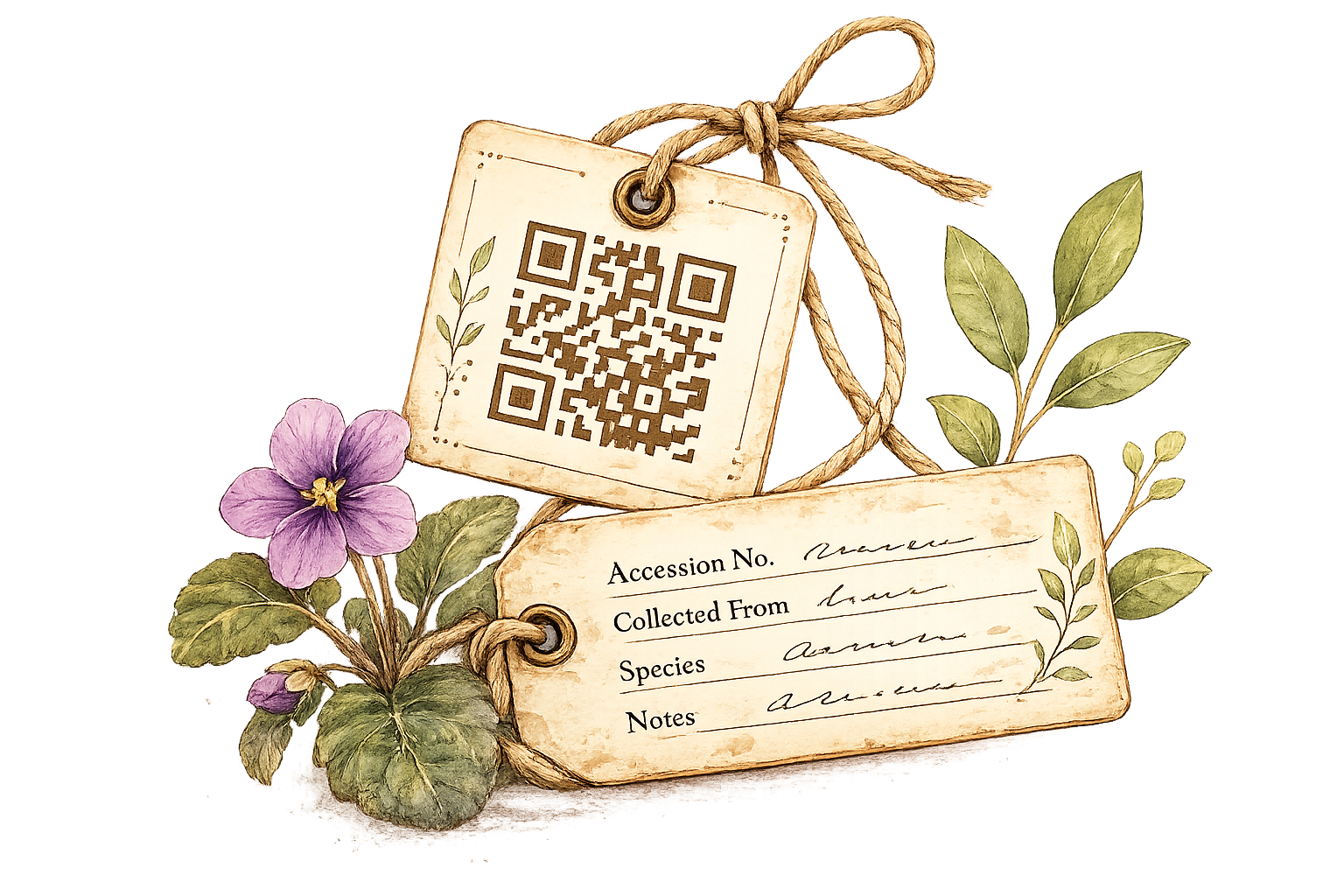
Print plant and location labels that lead back to the right record or shelf.
Keep the seller's label, your current interpretation, photos, notes, reminders, sport evidence, and propagation history together.
Start a scoped workspace, invite the right roles, and decide what stays private, public, or exhibit-ready.
Use local or validated definitions, add aliases and references, and draft taxonomy or husbandry with review-first AI tools.
Accession the plant, assign a location, print labels, and keep acquisition, source, and photo context together.
Work from due care, bulk-log tasks by location, manage quarantine, and keep plant-sitter or weekly checklists aligned.
Use timelines, blooms, photos, notes, moves, conditions, propagation, and lineage records to understand what happened and why.
Publish exhibits, generate PDFs, send update subscriptions, transfer specimens, or share care links without exposing private data.
A tiny botany wink
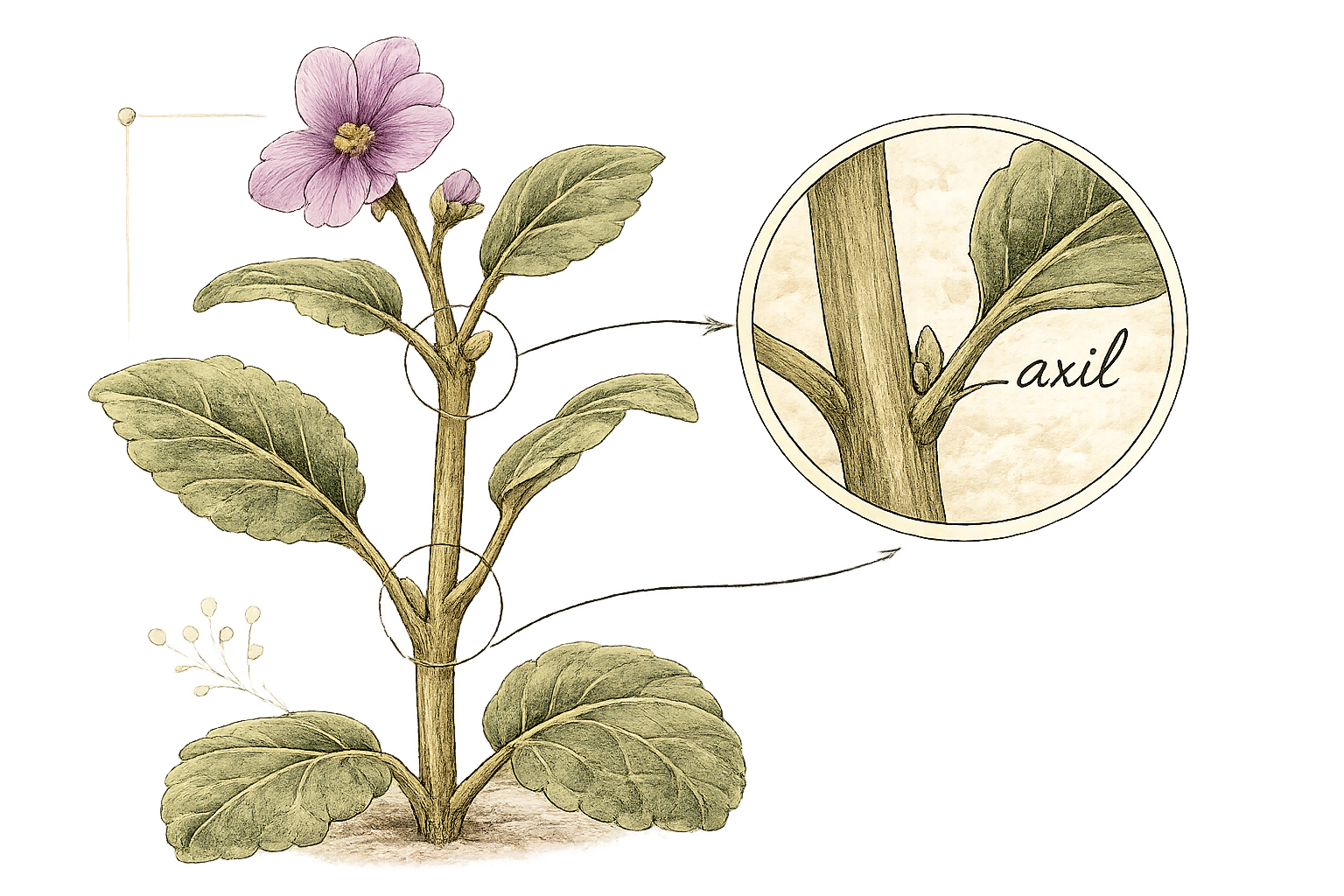
An axil is the little junction where a leaf meets a stem, the tucked-away spot where buds, blooms, and branches often start. AxilDB borrows that idea for collection records: a small point of context where the next part of the plant's story can emerge.
AxilDB is licensed under the GNU AGPLv3 so people can study, fork, and improve it while keeping network-hosted changes available to users. The AxilDB name and branding remain reserved for the official project.
Read the source
If AxilDB helps your collection, a Ko-fi contribution helps cover hosting, testing, and the next round of careful features.
Donate on Ko-fi